
Most budgeting apps start with the same request: link your bank account. For plenty of people that is a dealbreaker, and it is a reasonable one. If you want an expense tracker with no bank login, you still have good options, and tracking by hand has some benefits of its own.
What “linking your bank” usually means
Apps that connect to your bank generally do it through a third-party service that signs in on your behalf and pulls in your transactions. You get automatic tracking. In exchange, a company other than your bank can see your transaction history, and a copy of that data typically lives on someone’s servers. Whether that is acceptable is a personal call, and the fine print is worth reading.
The honest trade-off
- Bank-linked apps save time, because transactions arrive on their own. You hand over access to your financial data and rely on the connection staying healthy.
- Manual or on-device apps take a few taps per purchase. You decide what goes in, and nobody else needs access to your accounts.
Manual entry has a side benefit that people often notice after a week or two: because you log each purchase yourself, you become aware of what you spend. For many people, that awareness changes habits more than a report does.
Ways to track spending without connecting a bank
- A spreadsheet. Flexible and fully yours, but you build the categories, charts and reminders yourself.
- Pen and paper. Simple, and hard to keep up when you are out.
- An app that keeps data on your device. You get categories, charts and reminders without the data leaving your phone.
How to track spending privately with FlyerMoney
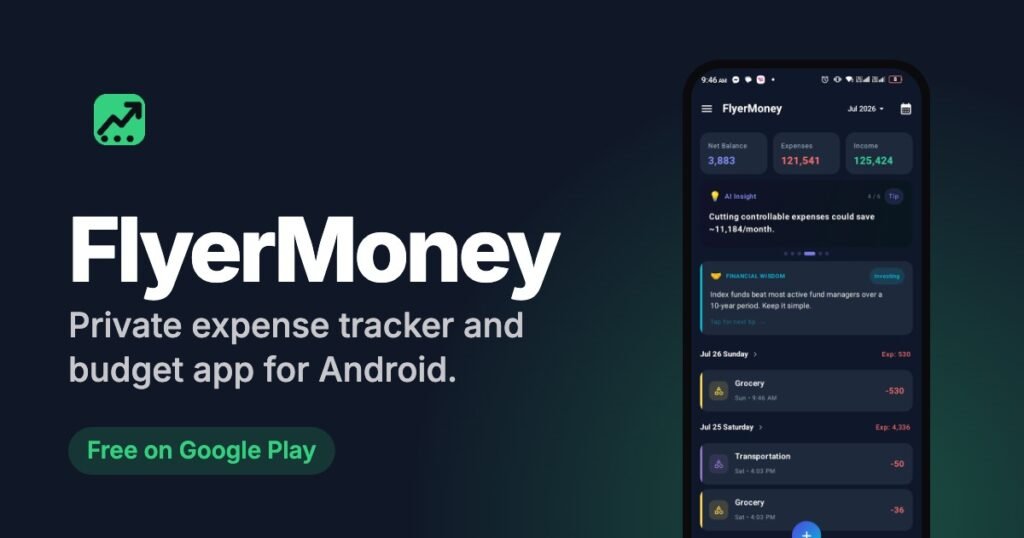
FlyerMoney is an Android expense tracker that stores your financial data on your device. It does not ask for a bank login, and its Play Store listing declares that no data is collected and none is shared with third parties. Here is a simple way to start.
- Install it from Google Play.
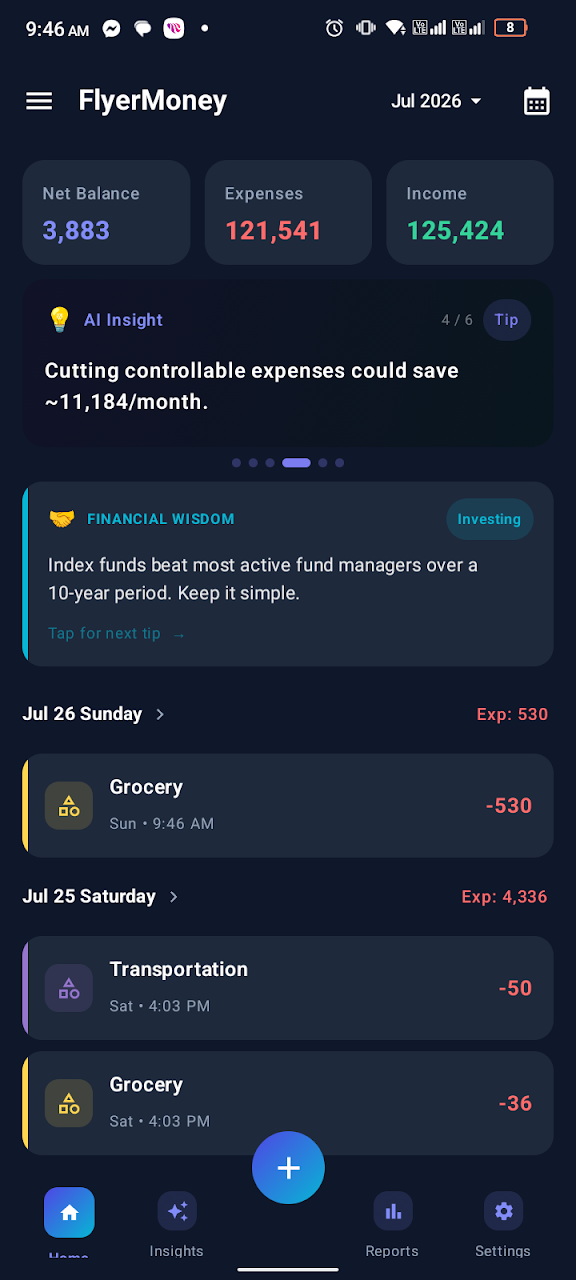
- Set up your categories. Create your own, group them under super-categories, and tag each one by how it behaves, for example must-have, can control or unproductive.
- Log purchases as they happen. Adding income or an expense takes a few taps. Mark recurring items so subscriptions and bills are not forgotten.
- Turn on the daily reminder. A check-in reminder and an end-of-day summary of what you earned and spent make the habit stick. You can set the times.
- Review weekly. Browse transactions by day, week, month or year, check the category breakdown, and look at the AI insights for overspending alerts and savings suggestions.
What you should know before you rely on it
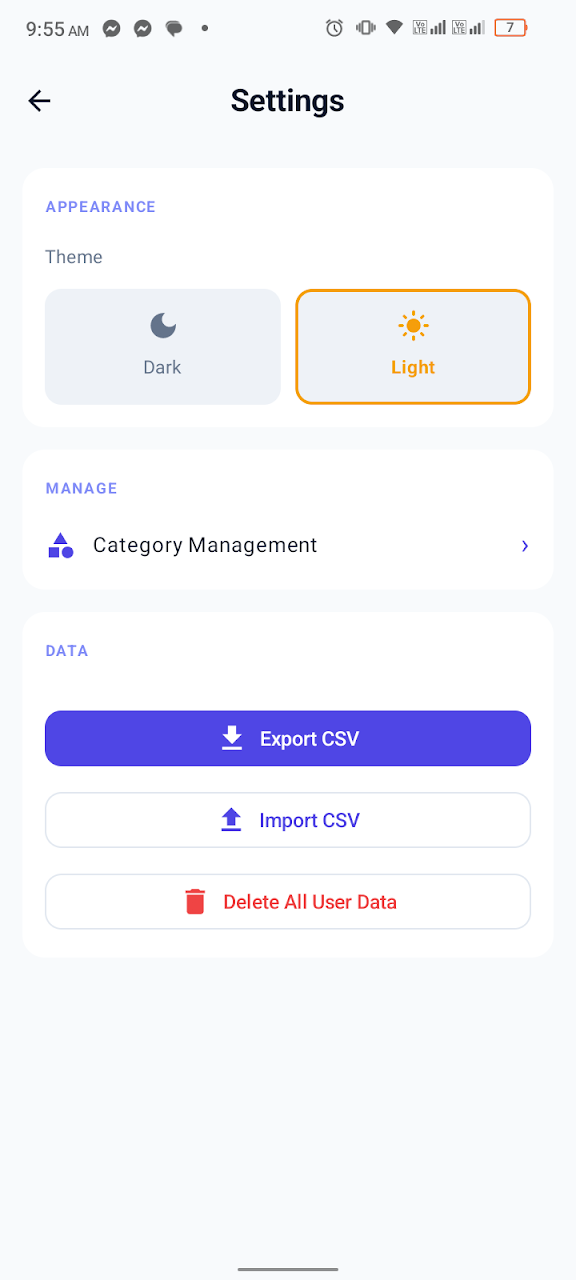
- Your data lives on your phone. That is the privacy benefit, and it also means uninstalling the app deletes your local data. Export a CSV backup now and then.
- Crash reports are the one exception. According to the privacy policy, FlyerMoney uses Firebase Crashlytics, which can collect technical details such as device model and app version when the app crashes. The policy says crash reports do not include your transactions or other financial data.
- It is Android only, and entries are manual.
How to judge any budgeting app’s privacy
- Does it need your bank login or any account to work?
- What does the Data safety section on its Google Play page say about data collected and shared?
- Does the privacy policy say where your data is stored?
- Can you export your data, and can you delete it all?
If an app cannot answer those clearly, keep looking.
Common questions
Do I need an account? FlyerMoney does not ask you to create one.
Can I move to a new phone? Yes. Export a CSV from the old phone and import it on the new one.
Is it free? It is free to download from Google Play.
Try it
Get FlyerMoney on Google Play, or read more on the FlyerMoney product page. For a closer look at the features, see our launch post and the guide to how it is built around your spending. The full details of how data is handled are in the privacy policy.