
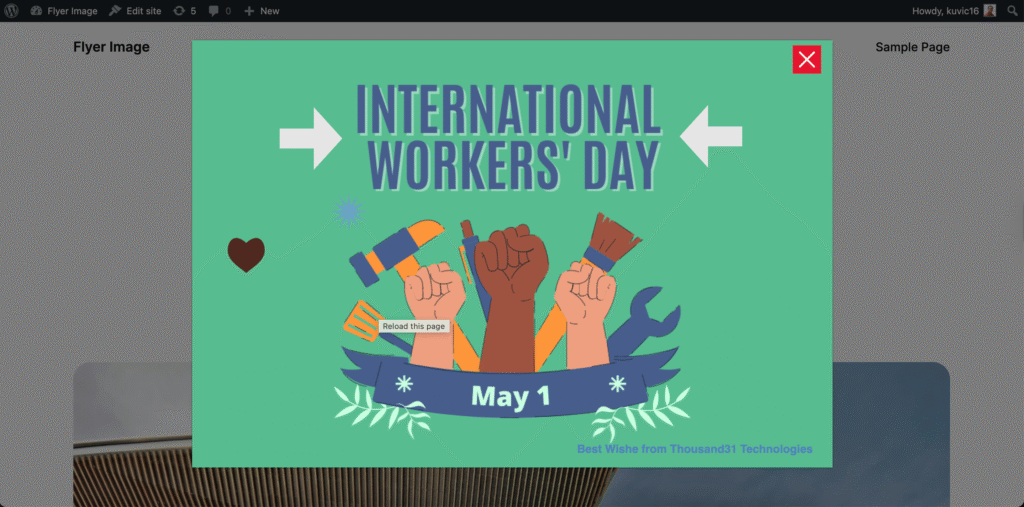
How to Show Announcements on Your WordPress Site Without Editing Code
- Editing theme files just to add a banner
- Using heavy popup plugins that slow down your site
- Not being able to schedule when the message appears
There’s a simpler way.
The Problem with Most Popup Solutions
Most tools are either:
- Too complex
- Too heavy
- Or require manual changes every time you want to update something
For something as simple as showing a message, that’s frustrating.
A Better Approach: Campaign-Based Popups
Instead of treating popups as one-off elements, think of them as campaigns.
A campaign lets you:
- Schedule when it should appear
- Control where it should show
- Update or remove it without touching your theme
This is exactly the approach I followed while building Flyerimage.
What You Can Do with Flyerimage
With Flyerimage, you can:
- Create announcement popups in minutes
- Use ready-made templates (Announcement, Event)
- Schedule campaigns by date and time
- Show popups only on specific pages
- Customize design with text, images, and shapes
- Track views and engagement
All from one simple dashboard.
Example Use Cases
Here are a few real scenarios:
- Announce a sale or promotion
- Notify users about maintenance
- Promote an upcoming event
- Highlight important updates
Instead of editing your site every time, you manage everything in one place.
Why Simplicity Matters
Many tools try to do everything.
But for most websites, you just need:
- A clean interface
- Flexible scheduling
- Easy customization
That’s the focus behind Flyerimage.
Try It Yourself
If you want a simple way to manage announcements and campaigns on your WordPress site, you can try Flyerimage here:
👉 View on WordPress.org
Final Thoughts
Showing the right message at the right time shouldn’t be complicated.
A simple, campaign-based approach can save you time and keep your site clean.